Maybach - Visions to Relax: a mixed reality game for autonomous cars
The passenger of a Maybach looks up and sees space. Loose stars float around the interior. Grab one, move it, and it snaps into a constellation. That’s Visions to Relax, an Apple Vision Pro app two of us built during a project semester with Mercedes-Benz AG, exploring what you actually do in a car once you stop driving it.
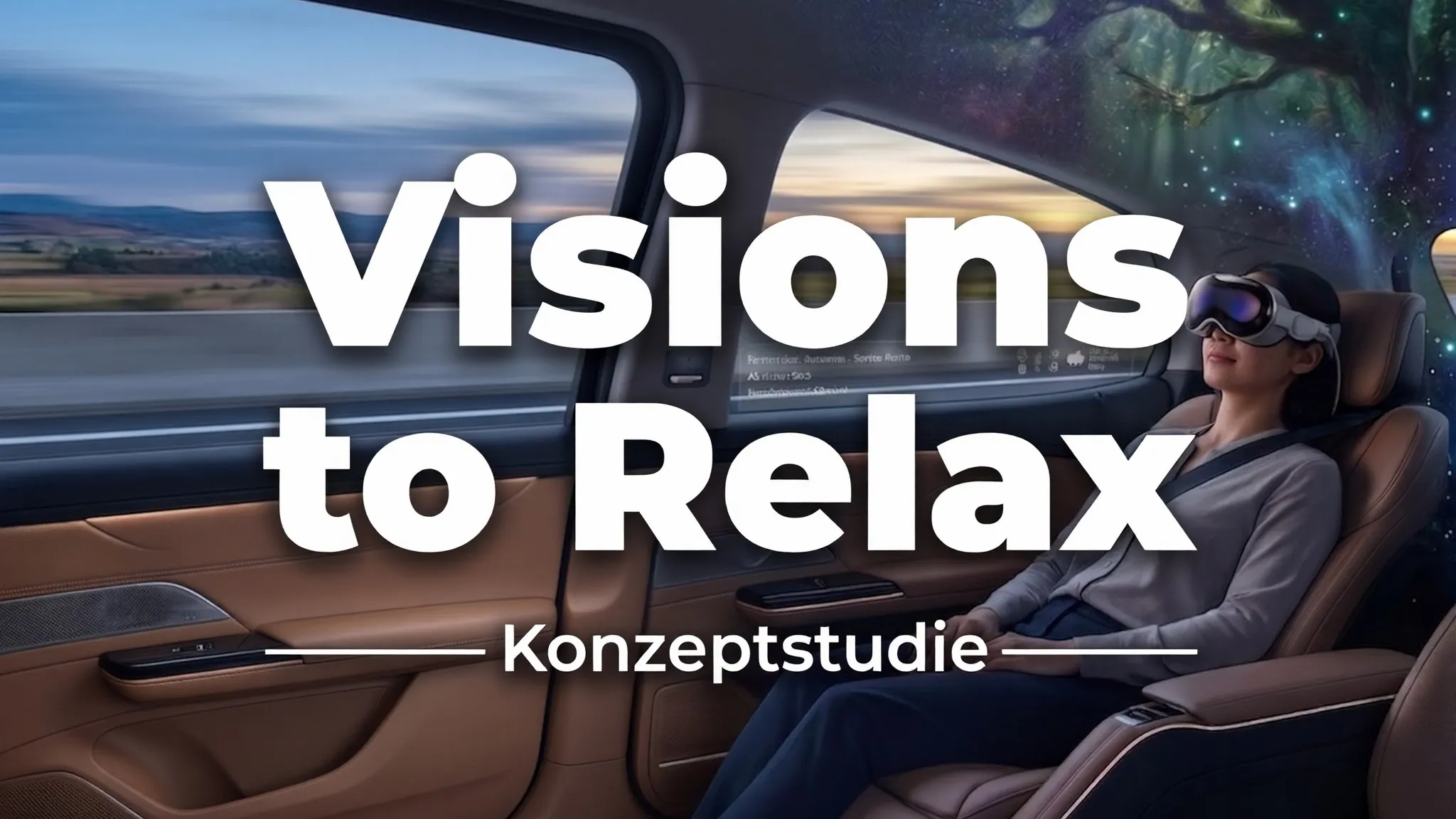
Although autonomous driving still sounds like something from the future, it is already arriving in pieces. It also raises a question that nobody used to have to answer: If the person in the driver’s seat isn’t driving, what are they doing instead?
Imagine someone getting into the car after a long day, on their way to the next meeting, already feeling tense. The car takes over. And then what? That’s exactly where Mercedes-Benz wanted to know if the comfort of a Maybach could be put to better use. You get in, hand over the driving and put on an Apple Vision Pro. Something then starts up that is designed to relax you rather than just pass the time.
The brief
The project was part of CARpulse, a research campus initiative at ARENA2036 in Stuttgart that is funded by the German Federal Ministry of Education and Research. The partner list runs from Mercedes-Benz and the University of Stuttgart through TRUMPF and Nokia to the DLR, and the work inside it goes from occupant safety to virtual approval processes. The Hochschule der Medien covers the human side of things, with a focus on user-centred design and XR to improve the relationship between passengers and vehicles.
Our contribution was one project, one semester and two students. The brief was to build something for the Apple Vision Pro that a Maybach passenger would actually want to use.
The kick-off was not a slide deck. Instead, we were put in a car and driven around before anyone mentioned requirements, which Ansgar Gerlicher wrote about at the time. That hour did more for the project than a spec would have done. It’s impossible to create an experience for a car that you’ve only seen in pictures or heard about. You have to experience the seats, the sound the doors make and how little of the road you can hear. It sets the bar high. Anything that looked cheap through the headset would have been worse than having no app at all.
What was already out there
During the first few weeks, we focused on reading and playing rather than building.
This was more important than it sounds because we needed to decide which elements to take from interactive games and which from calm ones. An app that relaxes someone but cannot hold their attention for more than a few minutes is a failure. So is one that holds attention by winding them up. We were looking for the right balance.
There are plenty of VR games on the market, each with something that makes them unique. Specifically for the Apple Vision Pro, there was much less to look at since it is still a niche and relatively new device. These were the findings that had the most impact on the project.
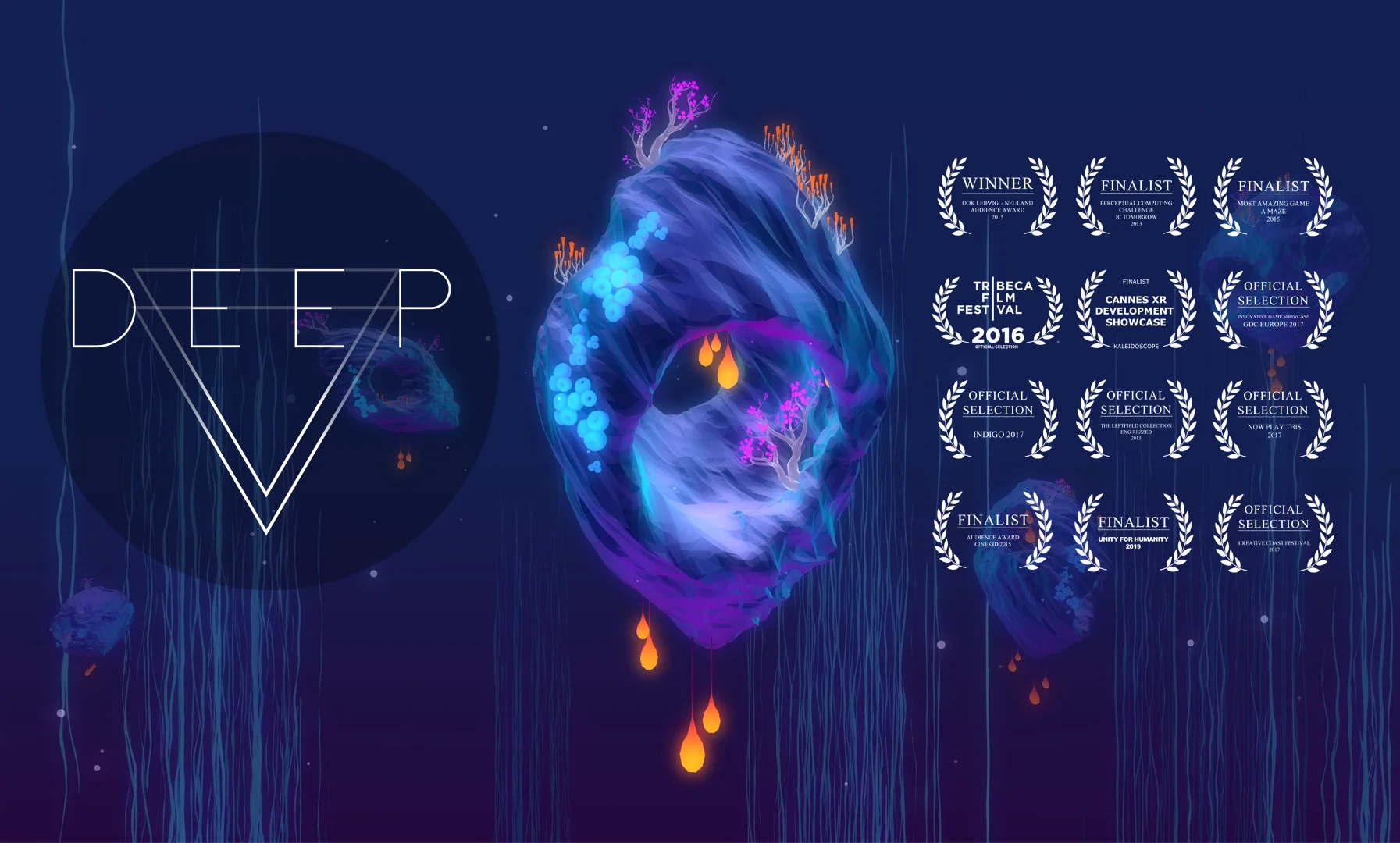
DEEP
DEEP uses slow diaphragmatic breathing to guide you through an underwater world. It is the most thoroughly evidenced approach that we have found. It has won multiple awards and is based on years of scientific research. Dating back to 2016, it includes a randomised controlled trial, a doctoral thesis, and a publication list of about a dozen papers.
What made it useful to us was not the breathing technique itself. Rather, it was the proof that the actions a game asks of you can calm you down rather than providing additional distraction.
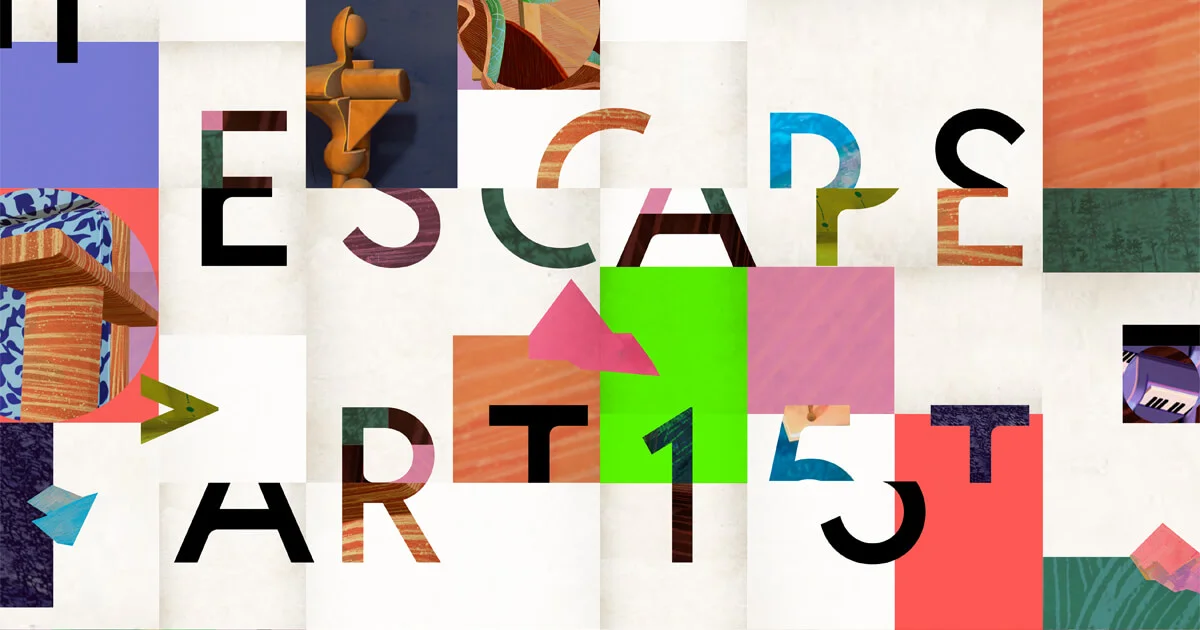
The Escape Artist
In The Escape Artist, you are placed inside one of your own paintings and must find a way out. It taught us how to design puzzles that are interesting without being stressful, which is more difficult than it sounds. Most puzzle design relies on time pressure or threat, but neither of these were an option for us.
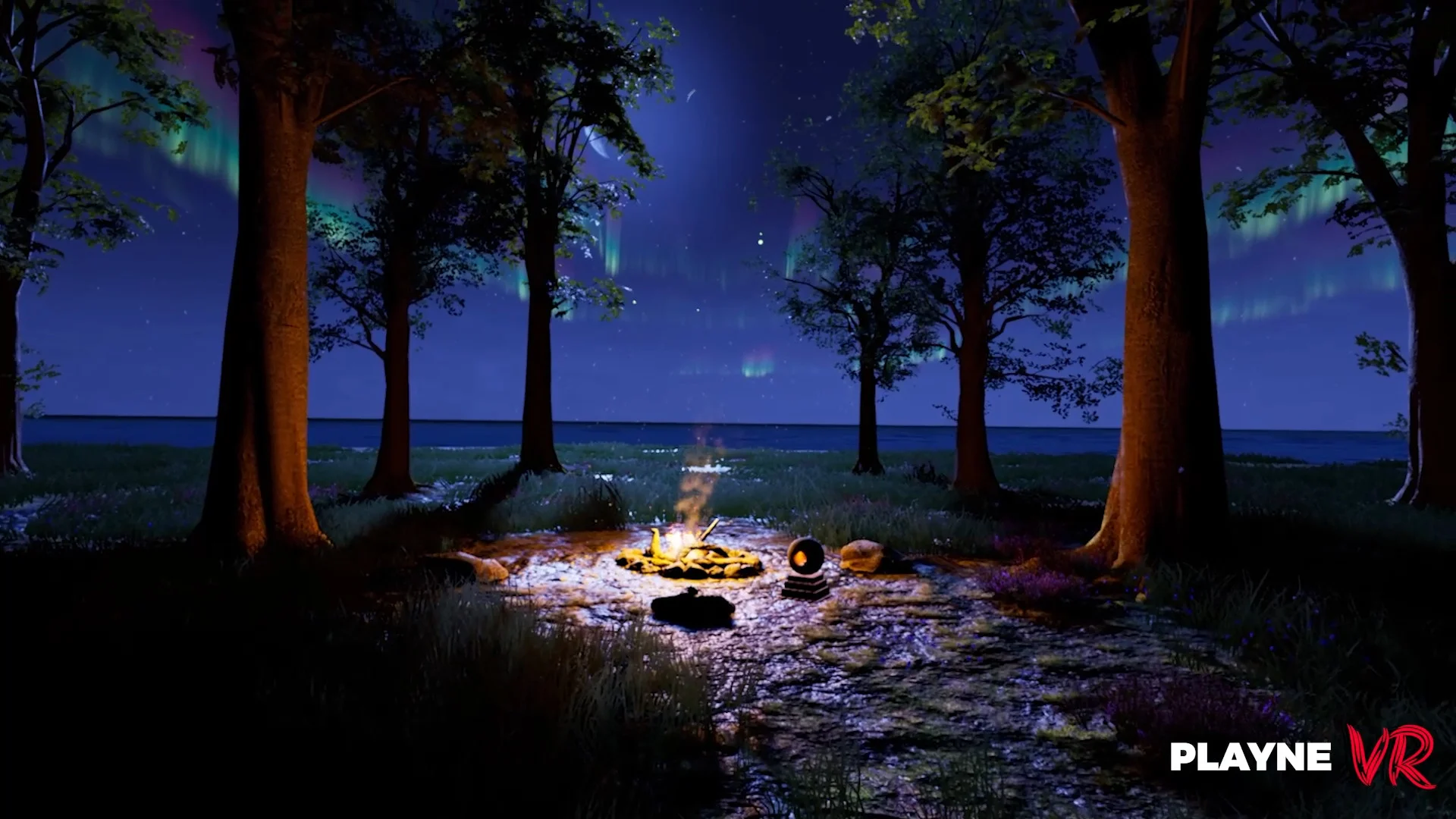
Playne
Playne has you shape an island through meditation, while Guided Tai Chi takes you through hundreds of workouts set in beautiful scenery. Both are at the calmer end of the scale and told us the same thing. Beauty is not enough on its own. There has to be something to keep you coming back to it.
From plan to concept
After the research phase, we combined all the findings on a Mural board and presented them to the project members. This included findings, a mind map, a storyboard, mood boards, a mapping of requirements to possible solutions and a full user journey flow. This allowed everyone in the room to see what we had found and how we intended to build on it.
The board also made something else obvious. We were not going to build the whole thing. Reading passengers’ breathing through cameras and tracking several interior surfaces at once were not going to be possible in the remaining time. So we scaled it down to an MVP, small enough to finish and real enough to put on someone’s head and learn from.
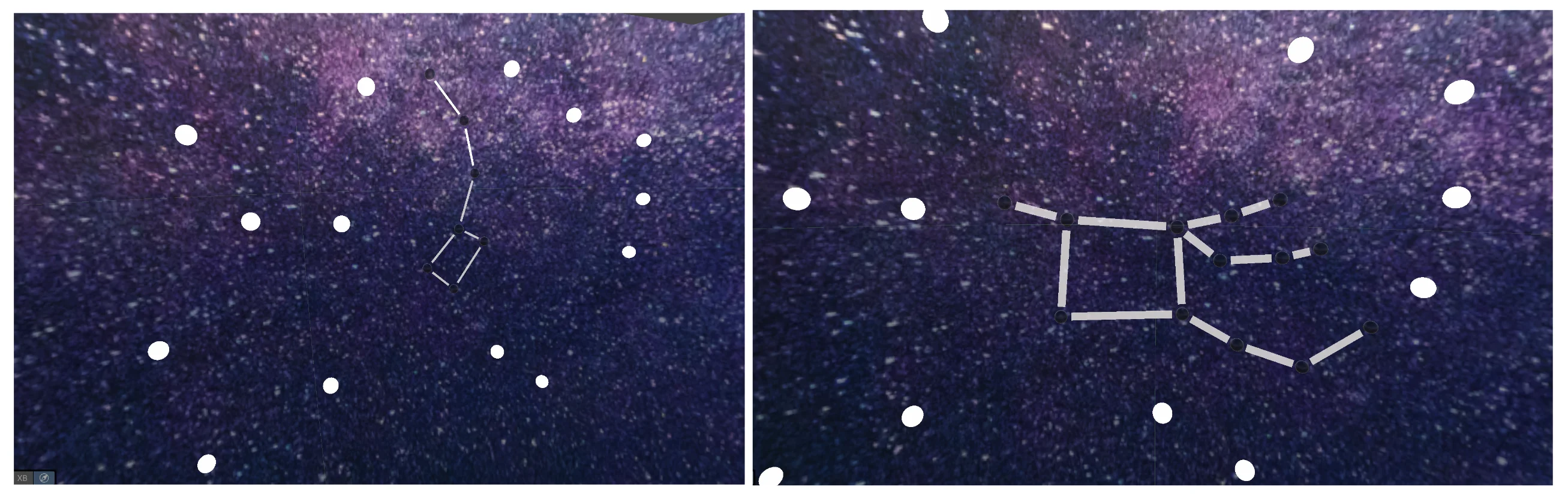
The ceiling of the Maybach became the canvas. The Apple Vision Pro detects this and opens a portal to show another world through the opening. Look up and you will see a starfield with a constellation pattern waiting to be completed.
Scattered around the interior are loose stars. Grab one, move it, and it snaps into place with an animation and sound confirming its landing. Once you have finished the pattern, the constellation lights up and drifts off into the sky to be replaced by the next puzzle.
Implementing the Game
Implementing the game is rarely the most difficult part. This project is no exception. The Apple Vision Pro and the visionOS development kit already offer a lot.
It has features that can detect planes, track hand movements via gestures, and much more.
However, neither Lukas Kleinau nor I were VR experts, so we often found ourselves reaching the limits of our knowledge. However, most of these issues could be resolved through research, determination or some smart workarounds that no one would ever notice.
The portal Unity could not give us
This is the part that caused the delay to the schedule.
In a game engine, a portal is typically created using a stencil trick. You render a shape, mark the relevant pixels, and then only draw the other world where the pixels have been marked. However, Unity on visionOS does not allow you to do this. Instead, you get Shader Graph with a list of restrictions and very few ShaderLab shaders. The stencil work that every portal relies on is not an option.
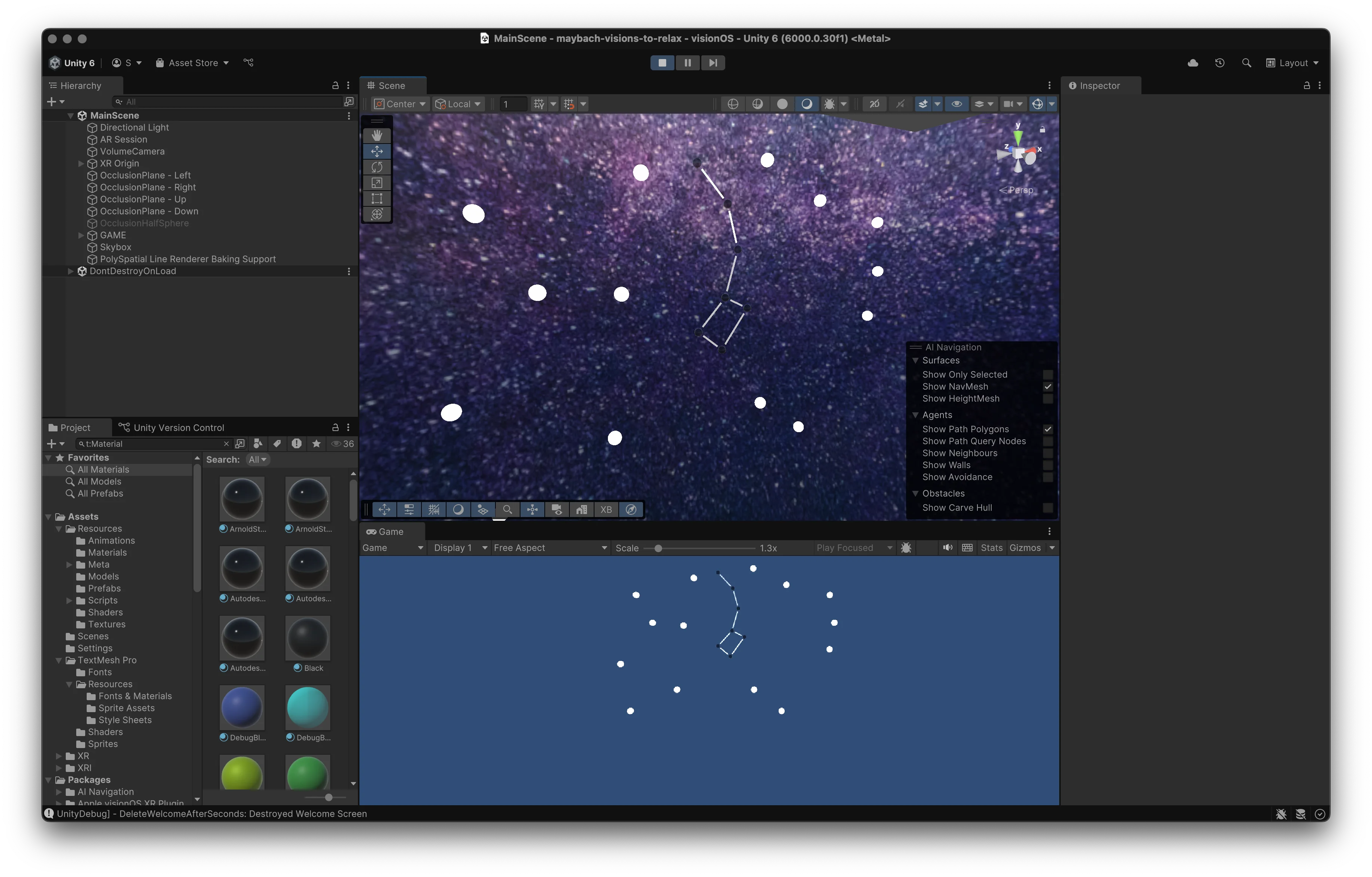
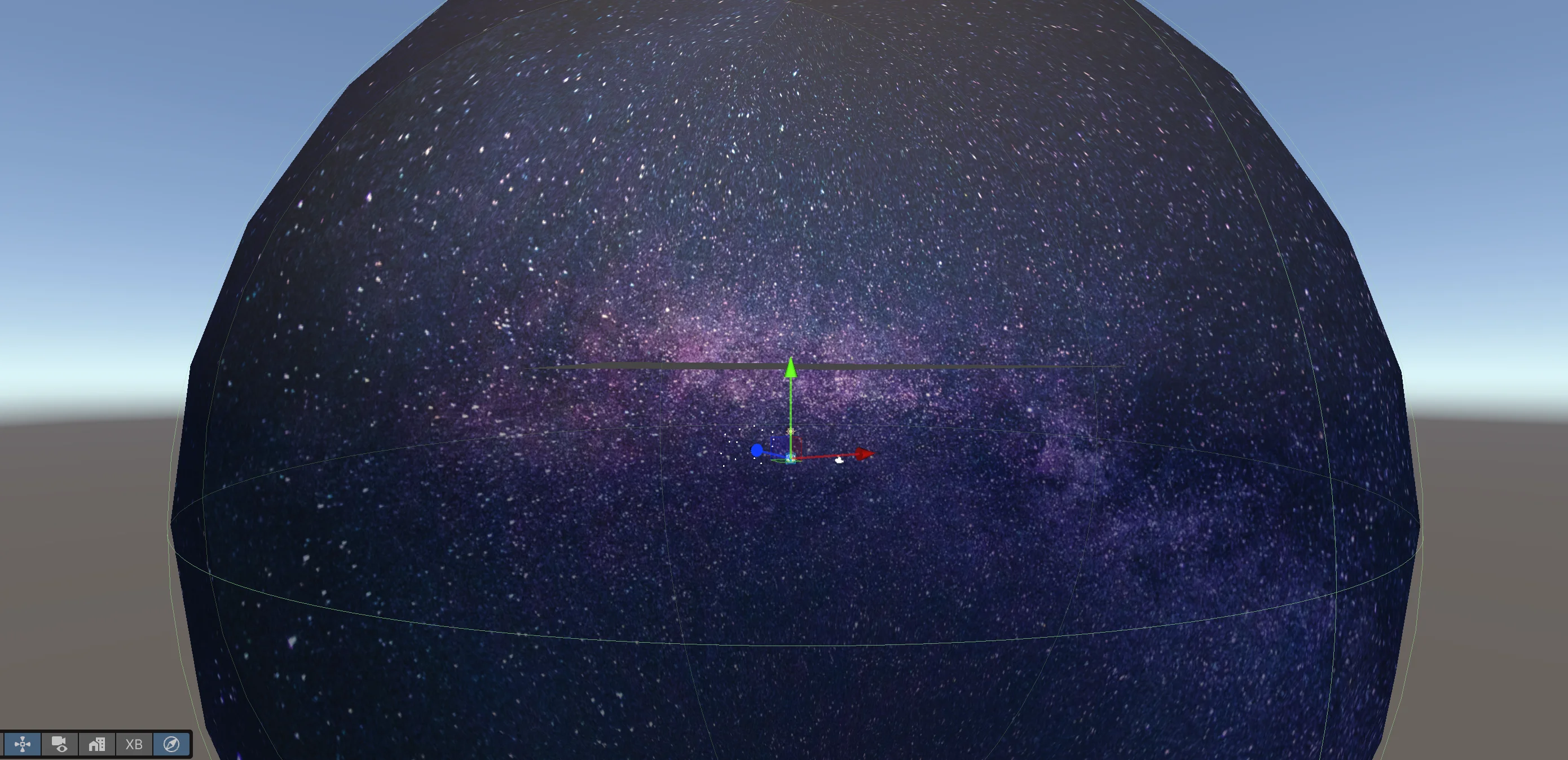
So we built it inside out. Rather than cutting a hole in the real world to reveal the stars, we placed the passenger inside the star world and obscured everything except the ceiling. You are surrounded by a large sphere with a starfield texture, and four occlusion planes stand at the edges of the tracked ceiling boundary. These planes block the sphere everywhere except above the user. From the seat, this appears as a window. In the Unity Scene view, however, it looks like nonsense.
The problem with the car
We developed the game at a desk and tested it against an indoor ceiling, which is about as straightforward as ceiling tracking gets. Then we moved the testing process into a car. Not a Maybach. My own VW Polo.
This turned out to be an important decision. My head was positioned so close to the roof that the Vision Pro kept prompting me to move further away from the surface it was attempting to track.
Next, we tried it during a team meeting in an actual Mercedes, with a roof window. We hadn’t considered the glass. Due to the changing view out the window, the headset could not hold onto the ceiling at all. Either the car needs a solid roof, or we need to stop tracking the ceiling and track markers placed on it instead.
Then there’s the issue of lighting. In a car without a roof window, the ceiling is dim, but plane detection requires light. The Vision Pro has no flashlight, so we had to use a separate light source for our demonstration.
The missing API for the Maybach
The plan had always been to integrate the game with the car, so that the experience could respond to the vehicle’s actions. There was no API for that at the time.
So we faked it. We wrote a TCP server to act as the API and manually drove that server from a phone. One of us sent the signals that a car would send while the other wore the headset. The app could not tell the difference, meaning that we could create any driving situation we wanted on demand rather than having to wait for one to present itself on the road.
Testing at the Medianight
Shortly after we had finished the MVP, we presented it at Medianight, the evening when HdM students showcase their projects to fellow students, family members and visitors from industry. Some on-the-spot tinkering was involved. There always is. We still had a steady stream of people at our stand.
There were plenty of ‘wows’ and lots of interest, and, as planned, we obtained some findings that we could not have obtained any other way.
Older visitors struggled with the controls. Pinch and drag is not as self-evident a gesture as it seems once you have used a headset for a while. The bigger problem was people wearing glasses, because the tracking could not always be recalibrated for them. They had to choose between seeing the demo or seeing it in focus.
Neither of these issues arise when you test with your teammate or supervisor.
What I would do differently
The first thing to consider is the tech stack. I would try Swift or a hybrid between Swift and Unity.
Ansgar Gerlicher had a native example that tracked planes more effectively and performed better than ours, and the difference was significant. Almost every difficult issue we encountered was related to Unity meeting visionOS, such as the shader restrictions, missing post-processing, and tracking quality. A native stack would probably have eliminated this issue entirely.
Secondly, there is the headset. The Vision Pro has no flashlight, and plane detection requires light. A Quest can illuminate the surface it is trying to detect. Inside a car at night, that difference is significant.
FAQ
What is Maybach - Visions to Relax?
Maybach - Visions to Relax is a mixed reality application for the Apple Vision Pro that aims to calm the user with a small game.
What was it built with?
The game was built using Unity 6 and the programming language C#. It was also designed for visionOS 2.0. We used a TCP connection to simulate the car API.
Who ran the project?
The project was carried out at Hochschule der Medien Stuttgart in cooperation with Mercedes-Benz. It was supervised by Ansgar Gerlicher, together with Gudrun Schönherr and Michael Lahres on the Mercedes-Benz side.
Does the Apple Vision Pro in a moving car make you sick?
Yes it does! The inner ear feels the movement while your eyes see something else. That is why we chose to place the game on the ceiling so the windows remain open and the User can see the real movement.
Can I try it or see the code?
No, it is an MVP with two constellations, and the source lives in HdM’s GitLab behind a university login.